Set up reminders
A daily reminder is probably the easiest way to keep your log steady, and a steady log is what patterns come from. Setting one up takes under a minute.
If you said yes to the daily nudge when you first set up Poopaya, your reminder already exists, so you can skip to step 4 to change its time.
Step 1: Open Reminders
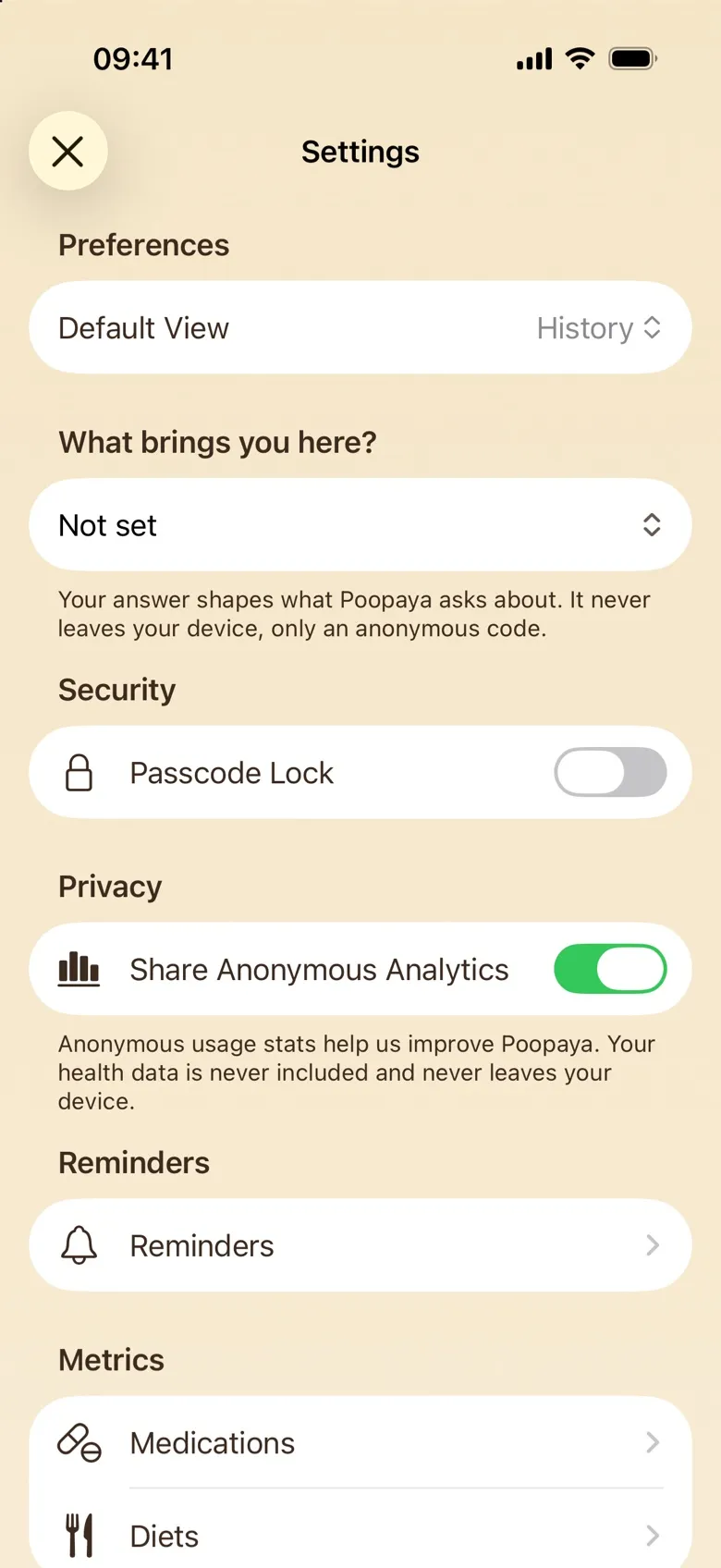
Tap the gear icon at the top left to open Settings, then tap Reminders (it’s the row with the bell).
Step 2: Tap +
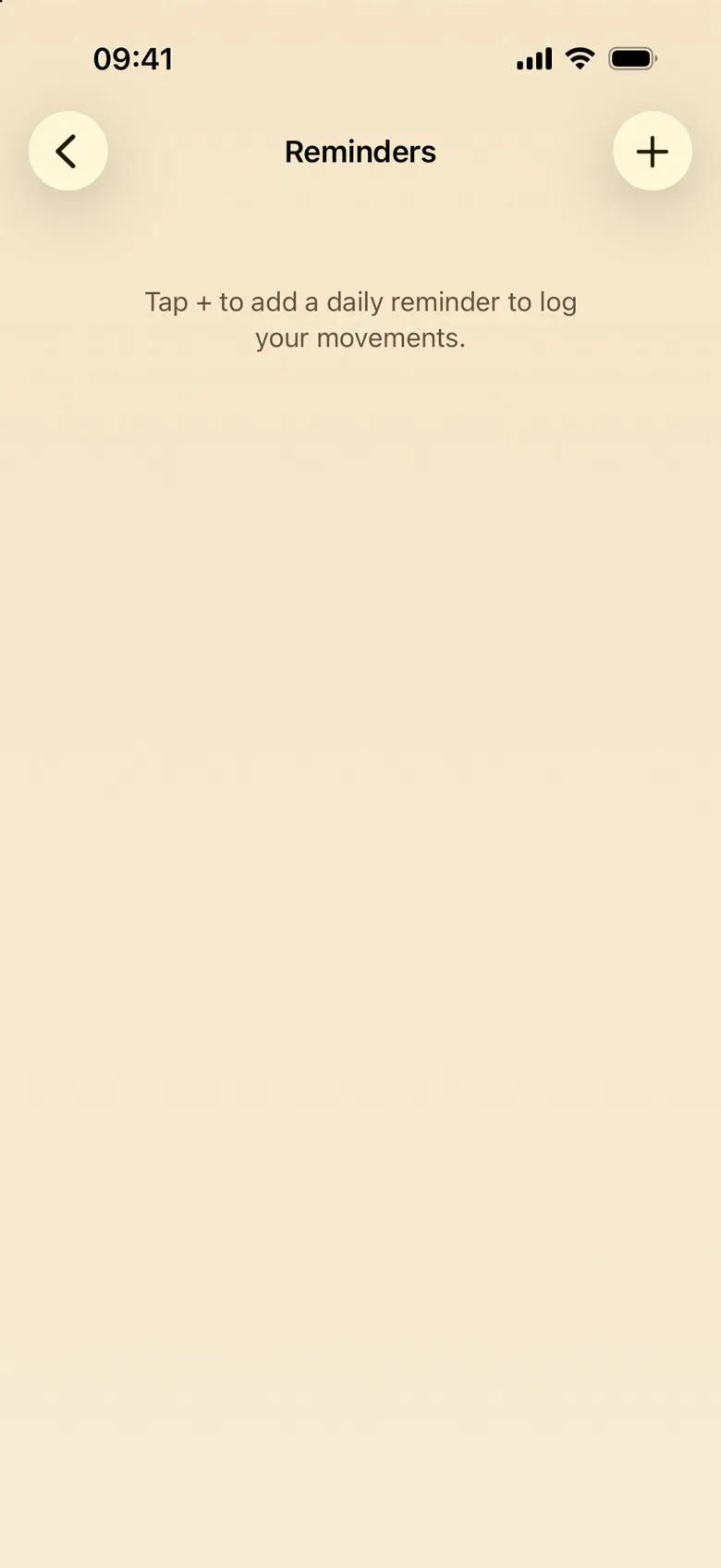
On the Reminders screen, tap the + button at the top right.
Step 3: Allow notifications
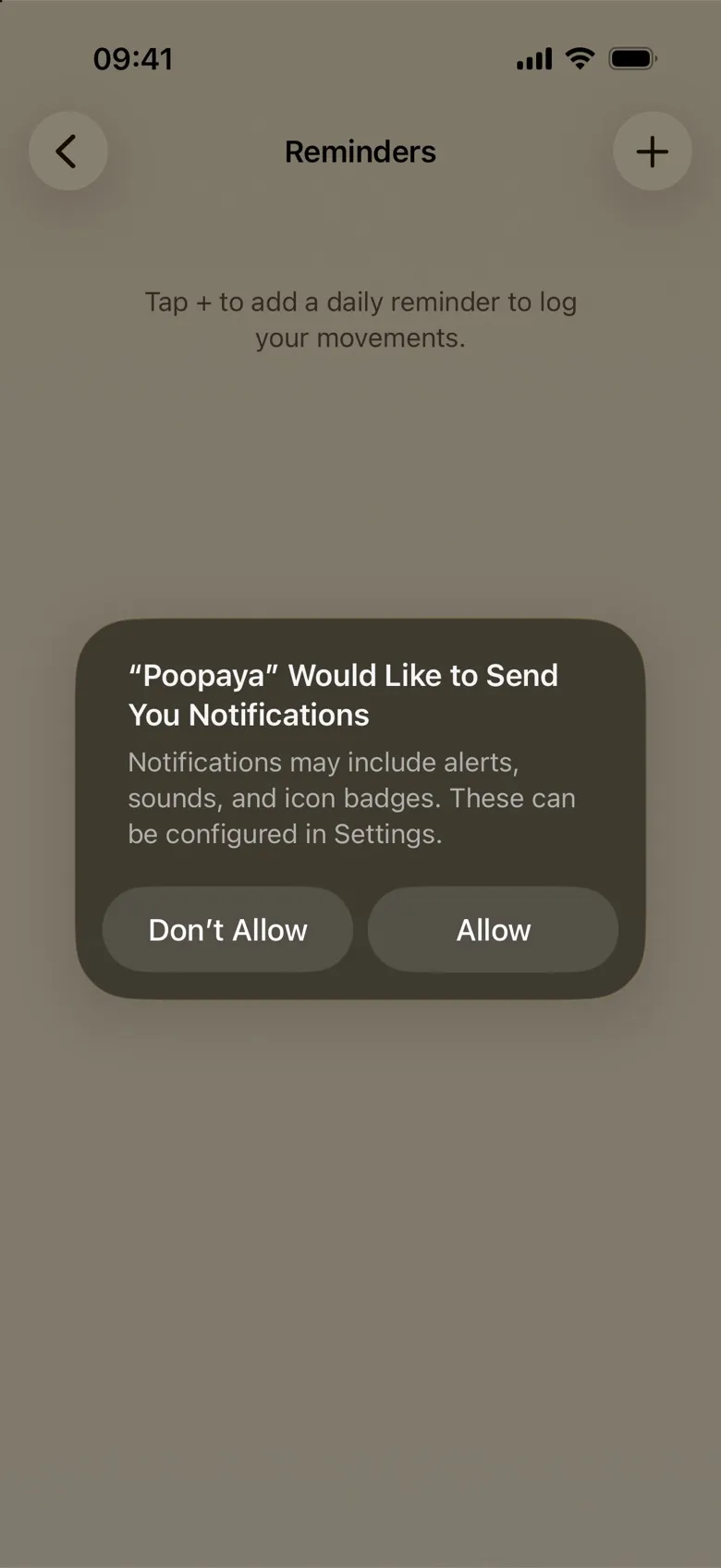
The first time, iOS asks whether Poopaya may send you notifications. Tap Allow, because without it a reminder has no way to reach you. Poopaya then adds a daily reminder at 9:00, switched on.
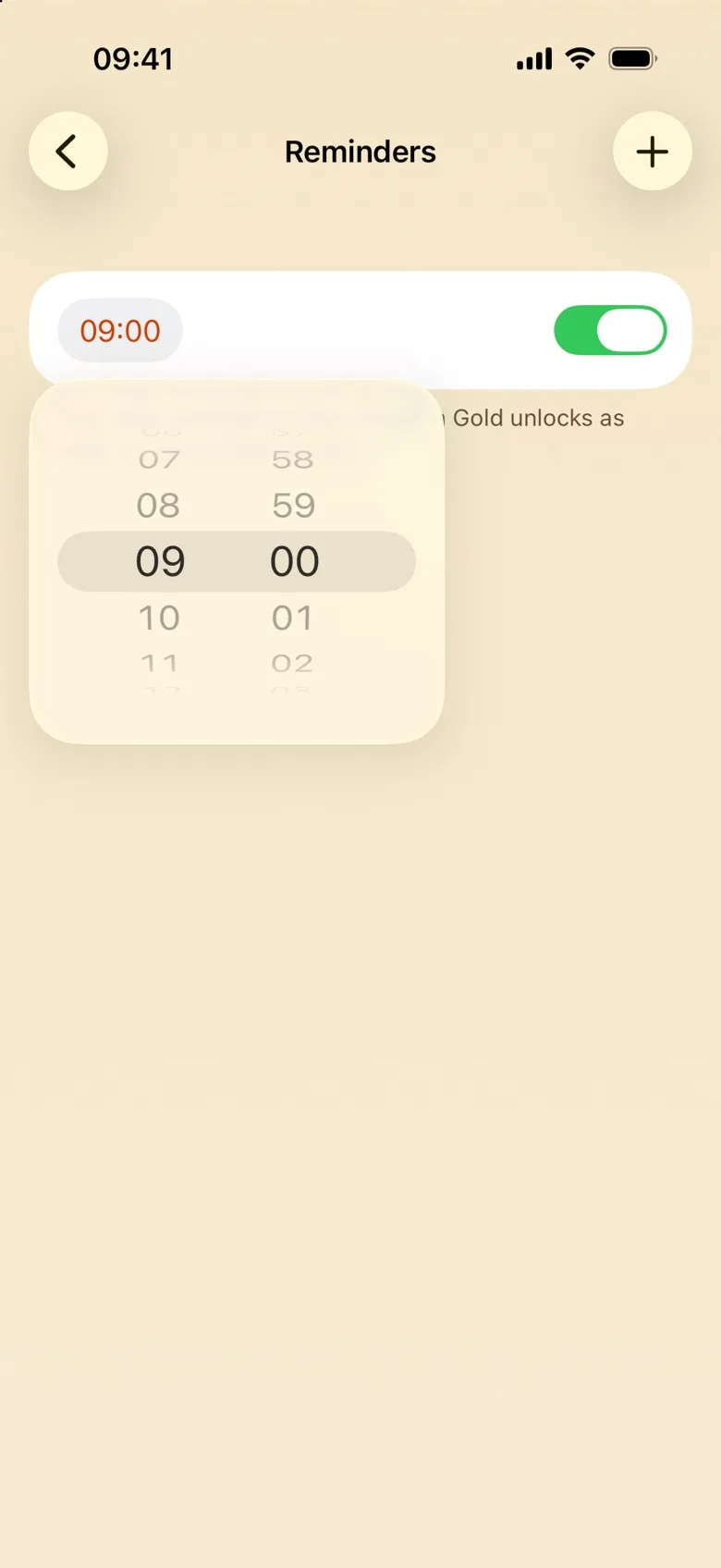
Step 4: Pick a time that fits
Tap the time on the reminder’s row and spin the wheel. The change saves on its own (there’s no confirm button). A time shortly after you usually go tends to work well, because you log best right after.
Step 5: Pause or delete it
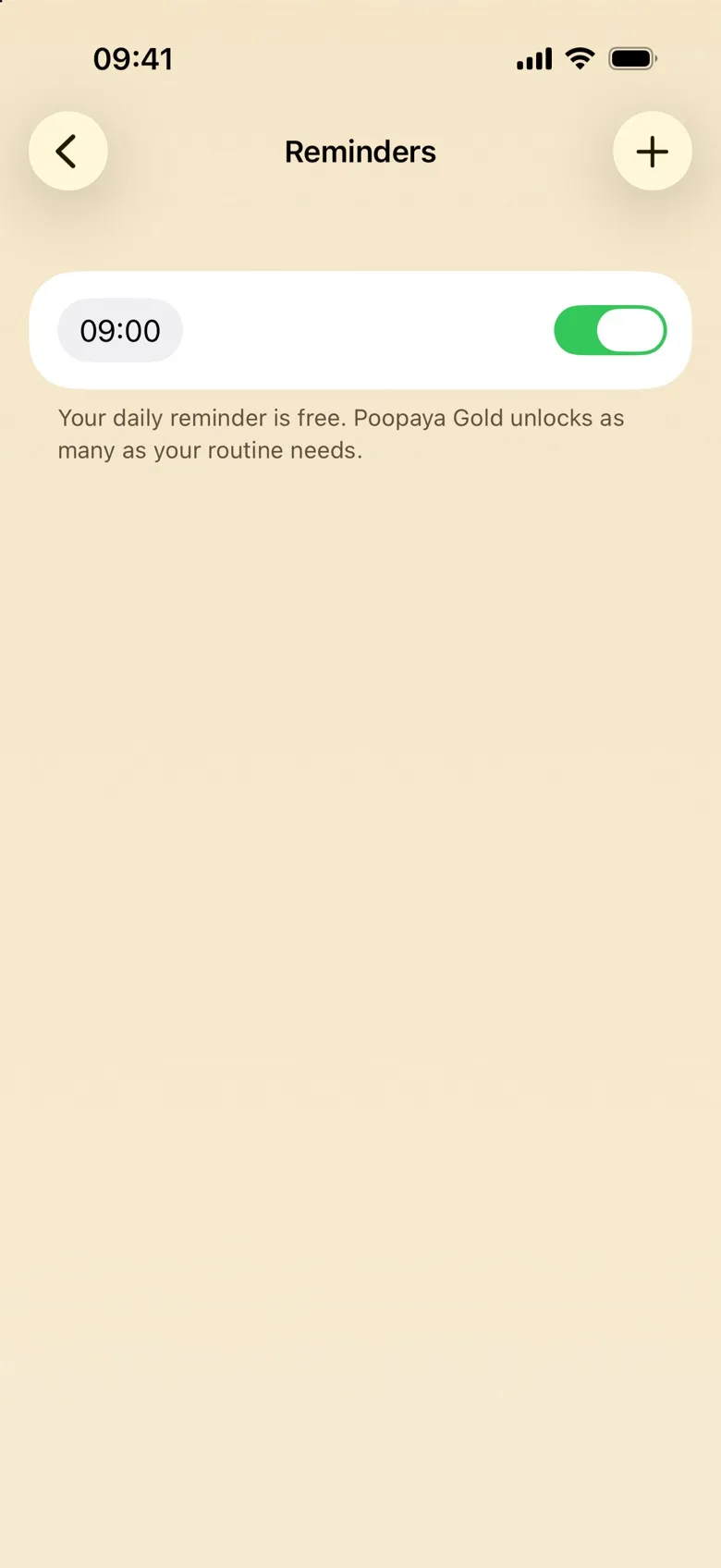
The toggle on the row pauses the reminder without losing its time — flip it back on whenever you want it again. To delete a reminder, swipe left on its row.
What the reminder looks like
The notification is titled Poopaya and carries a short check-in line, like “Time for a check-in!” or “Anything to declare?”. It never mentions bowel movements, so what lands on your lock screen stays discreet.
One more way a reminder can appear: after a few days of steady logging, History may offer to set one around the time you usually log. Accepting that offer creates the same free daily reminder you’d make here.
Free and Gold
Your daily reminder is free. Poopaya Gold lets you add as many reminders as your routine needs, say a morning one and an evening one. Without Gold, tapping + when you already have your one reminder shows the Gold screen instead of adding another.
If something doesn’t look right
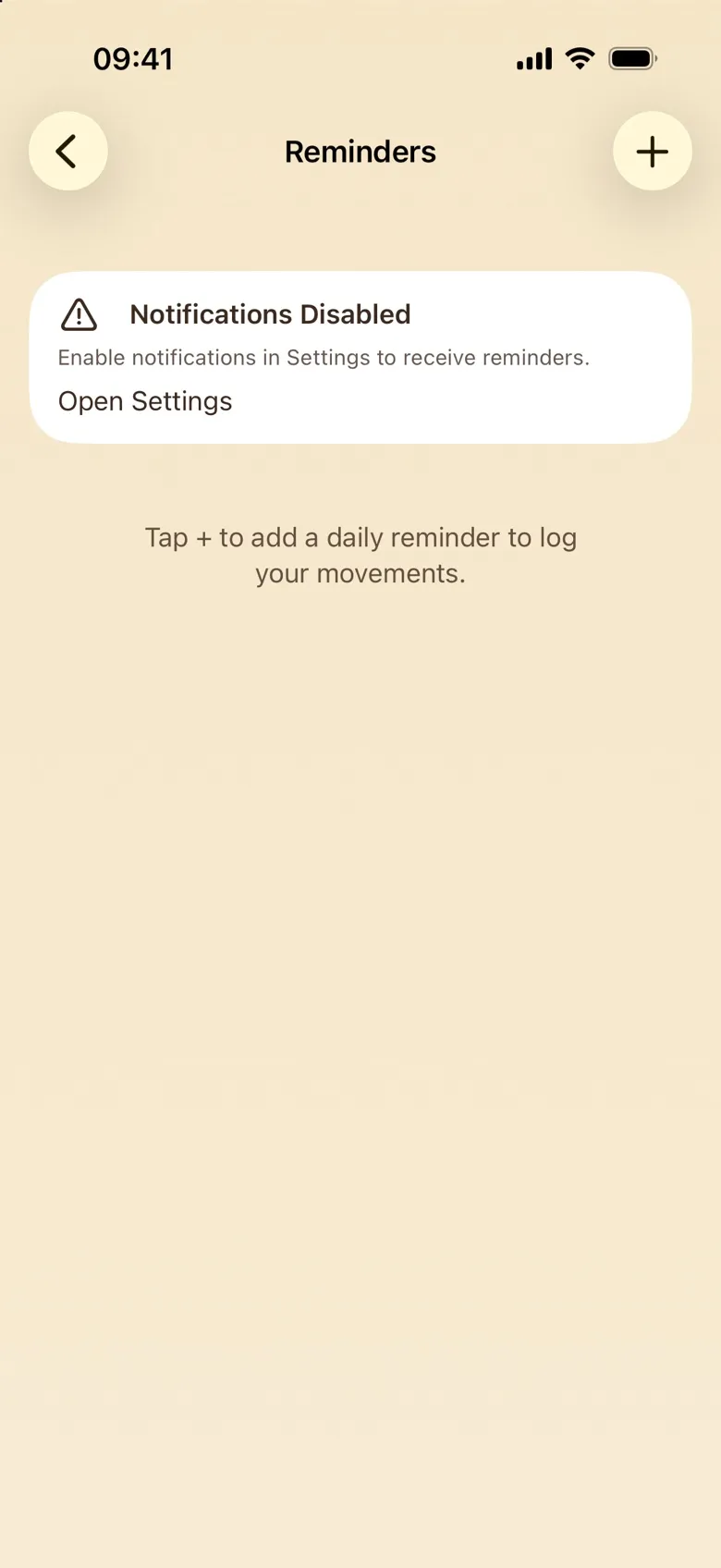
- A “Notifications Disabled” banner sits at the top of the screen. Notifications are switched off for Poopaya in iOS. Tap Open Settings on the banner, which takes you straight to Poopaya’s notification settings, and turn on Allow Notifications.
- You tapped + and no reminder appeared, just a short “Notifications are off” message. Same cause, same fix: the banner’s Open Settings button is the fastest route.
- The reminder exists but never arrives. Check its toggle is on. If it is, a Focus mode (Do Not Disturb, Sleep) may be holding notifications back. Add Poopaya to the apps your Focus allows, in iOS Settings under Focus.