Getting started with Poopaya
Download Poopaya, answer a few setup questions, then tap the papaya button whenever you go. You don’t need an account, and you don’t pay anything to start. The steps below cover your first five minutes.
Step 1: Answer the setup questions
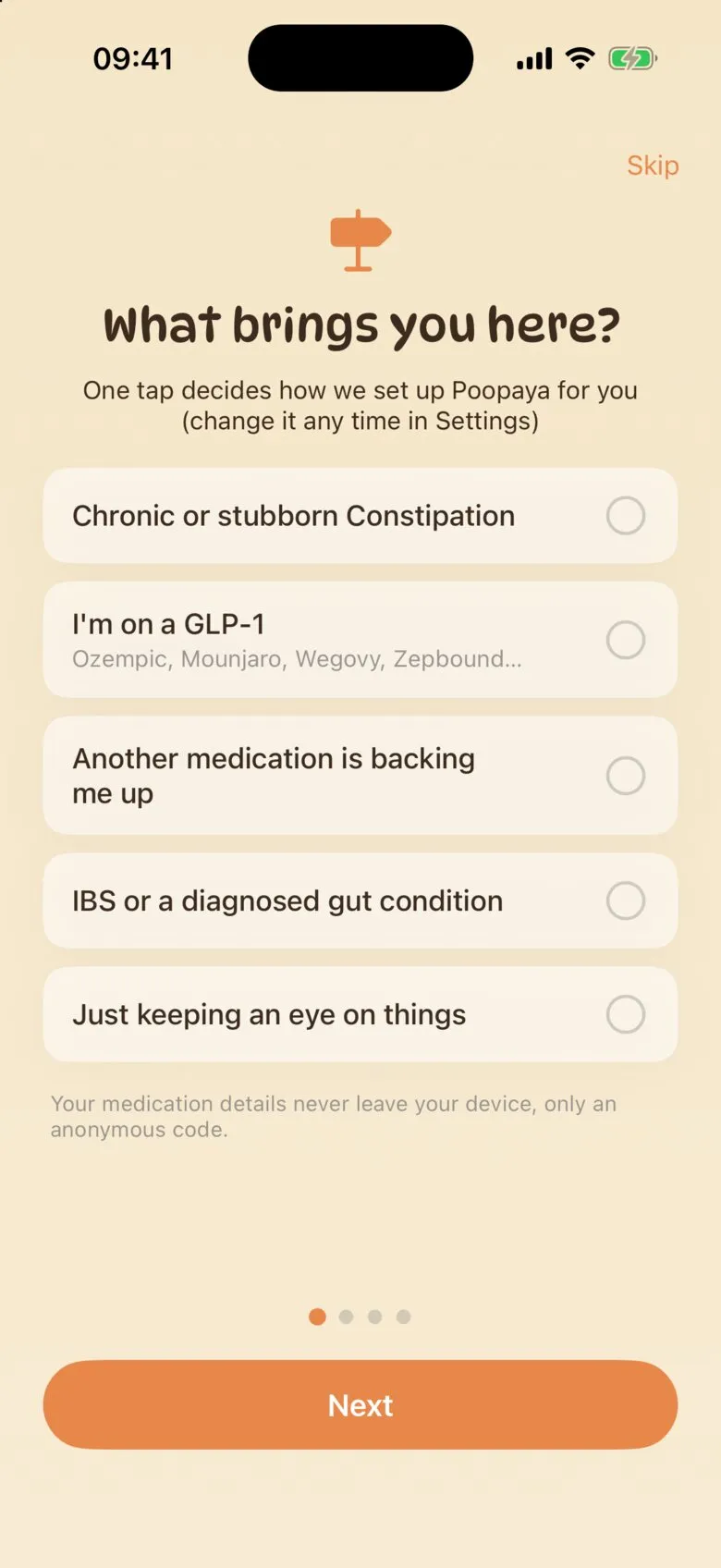
The first screen asks What brings you here? Pick the answer closest to you, for example chronic constipation or a GLP-1 medication like Ozempic or Mounjaro. Poopaya uses it to decide what to ask about, and you can change it any time in Settings.
Depending on your answer, the next screen asks what you take regularly (laxatives, supplements, medications). Add any that apply, and Poopaya will show how your logs line up with each one. You can also skip this screen and add them later.
Step 2: Turn on a daily reminder
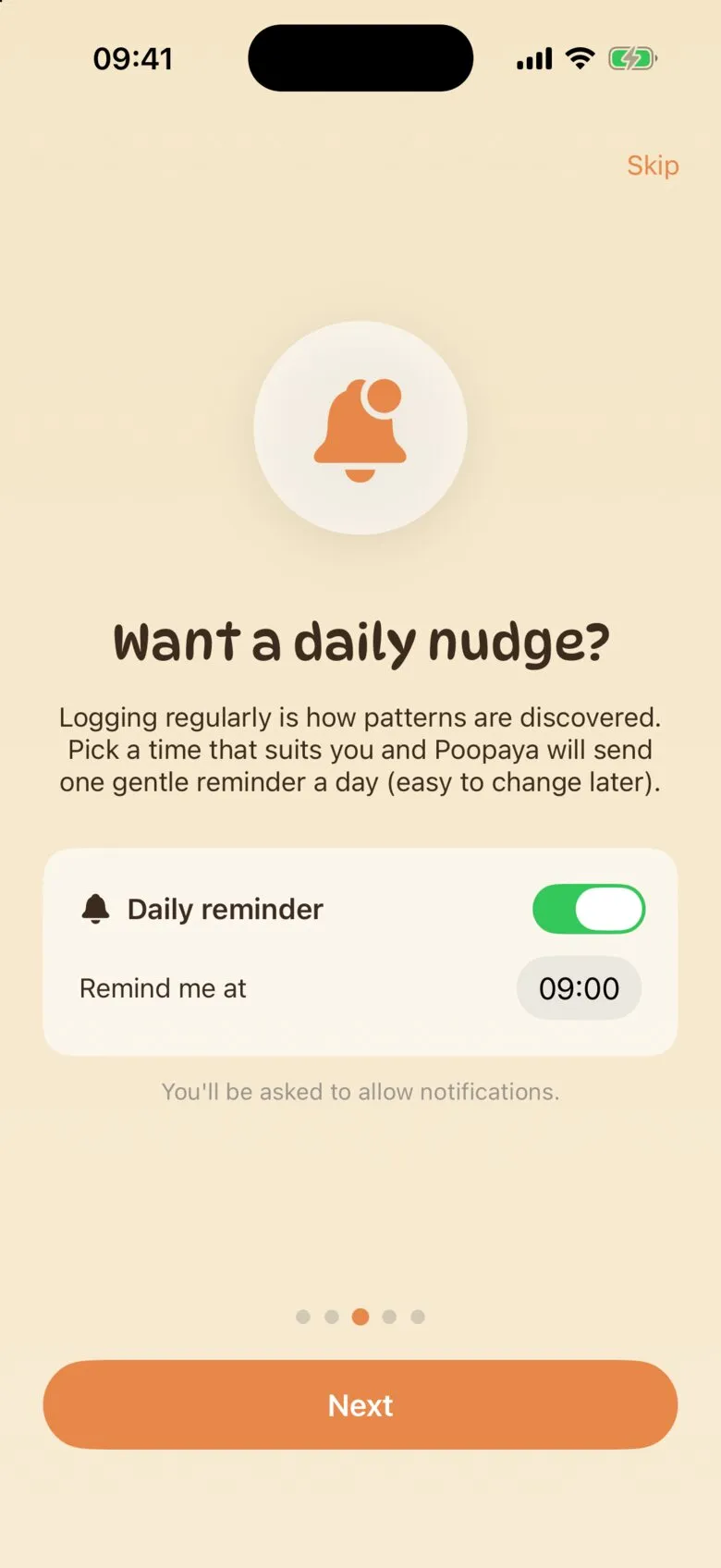
Patterns show up when you log regularly, and a reminder makes that easier to keep up. One daily reminder is free.
On this step you can enable a daily reminder at your preferred time. Keeping the Daily reminder switch on, select the time of day, and tap Next. Your iPhone will then ask whether Poopaya can send notifications. Tap Allow, or the reminder won’t show up.
If you’d rather not, just flip the Daily reminder switch off. You can also adjust and turn your reminder off and on later in Settings.
Step 3: Finish setup
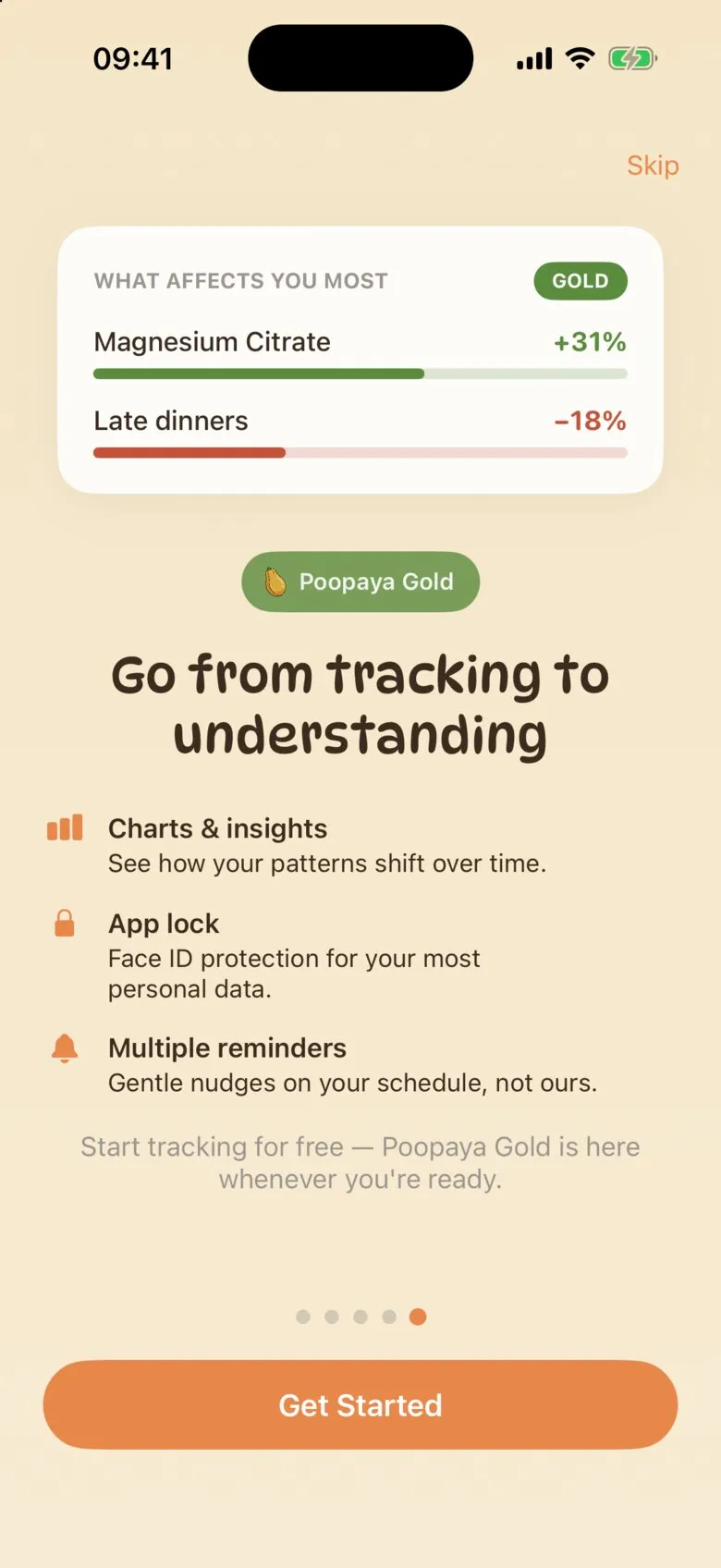
Two more screens follow. The first shows how logging works. The second shows what Poopaya Gold adds (Charts and Insights, Face ID app lock, and more than one reminder). Tap Get Started to begin with the free version.
You don’t need Gold to track, and you can add it later if you want it.
Step 4: Log your first movement
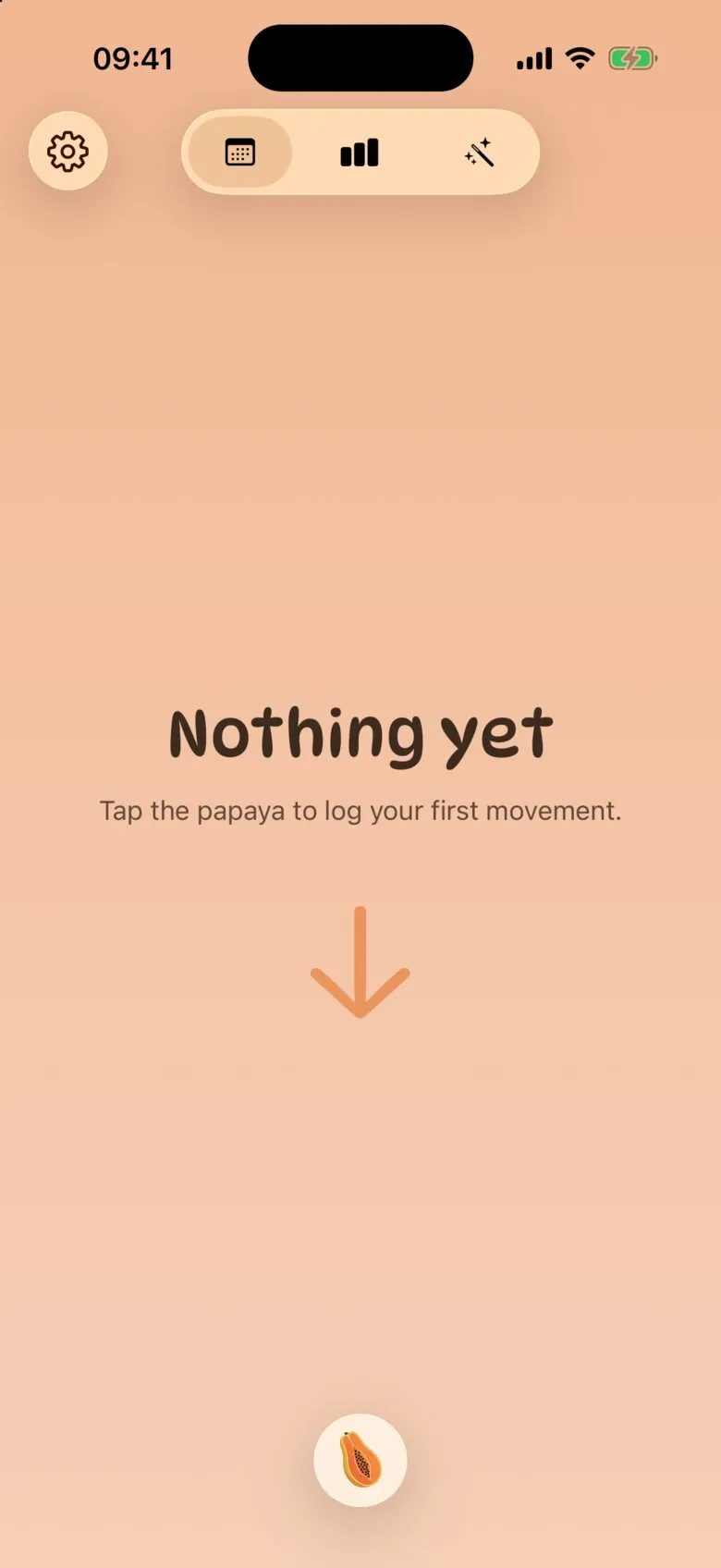
Your History starts out empty. The next time you go, tap the papaya button at the bottom, pick a Shape, fill in Urgency, Effort, Amount and Evacuation, and tap Save. Log a bowel movement has the full walk-through, plus how to log an attempt where nothing came out.
Finding your way around

- Settings
- History
- Charts
- Insights

Settings is where you set reminders, manage your medications and diets, export your data and restore a purchase.

History is the home screen, with a calendar on top and your logs underneath. Days with logs get a dot.

Charts shows your patterns over time, like how often you go and which shapes come up most. It’s part of Poopaya Gold, and anyone can see a preview.

Insights gives you Regularity, Quality and Satisfaction scores, flags recent changes, and shows which factors line up with your better and worse days. Like Charts, it’s part of Gold, with a preview for everyone else.
What to expect
Patterns need a bit of data first. After around ten logs they will start to appear. Charts will begin to light up. Insights will begin to identify factors that line up with your good and bad days.
The more you log the better and smarter Poopaya gets. Don’t forget to log the bad days too! They’re just as important as the good ones.