Help with the Poopaya app
How to use Poopaya, and answers to common questions.
- Getting started with Poopaya Set up Poopaya, log your first bowel movement, and turn on a daily reminder. Everything a new user needs in the first five minutes.
- Poopaya FAQ Quick answers about Poopaya, including what's free, what Poopaya Gold adds, tracking GLP-1 medications, sharing your logs with a doctor, and getting help.
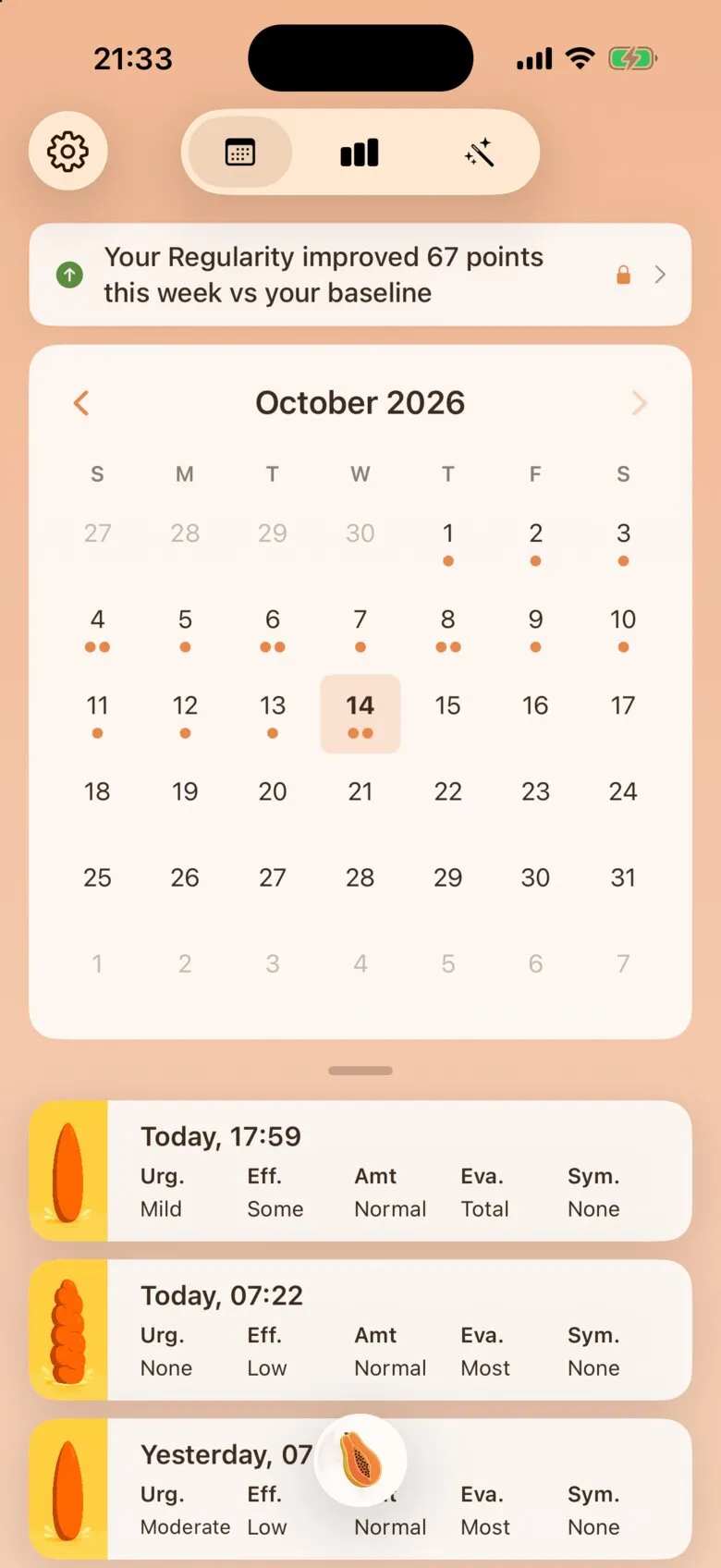
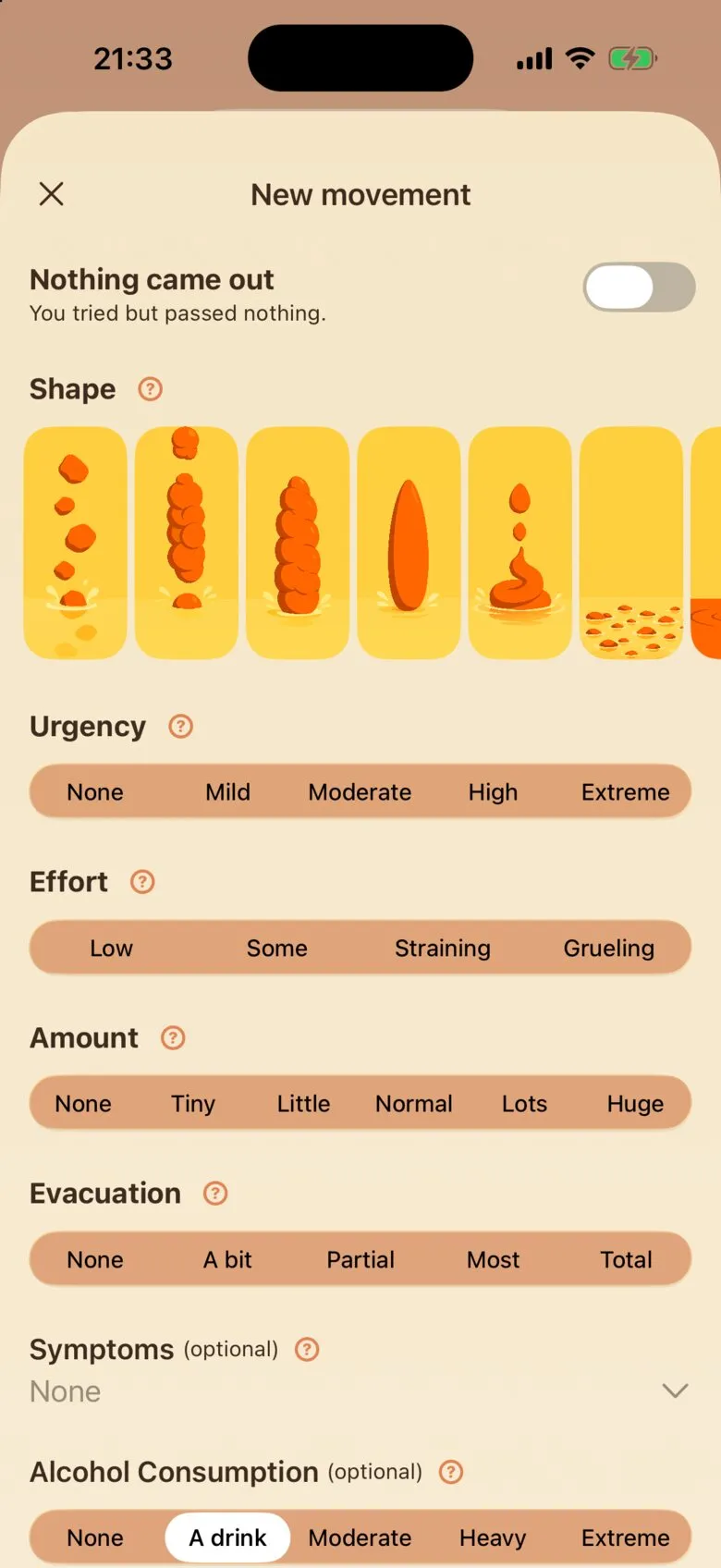
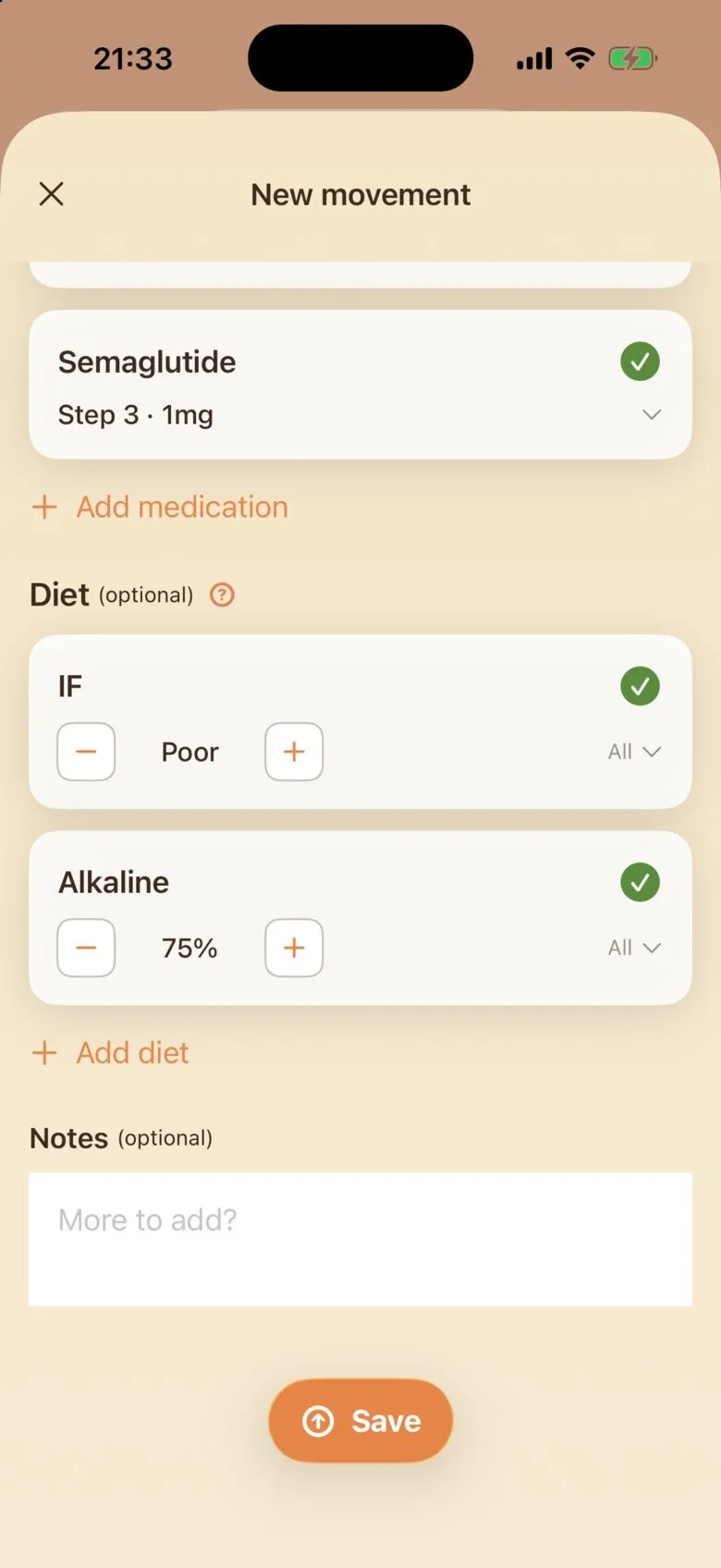
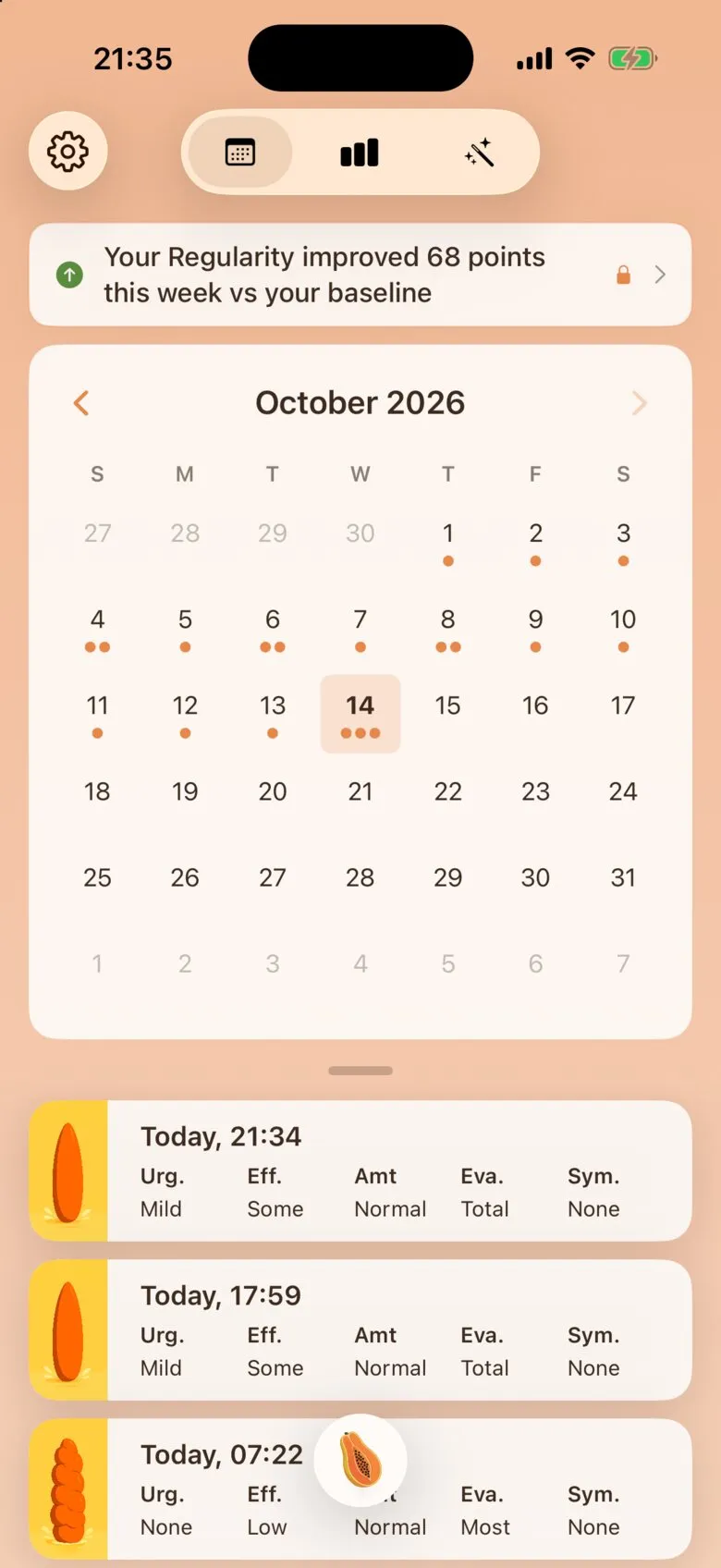
- Tap the papaya button.
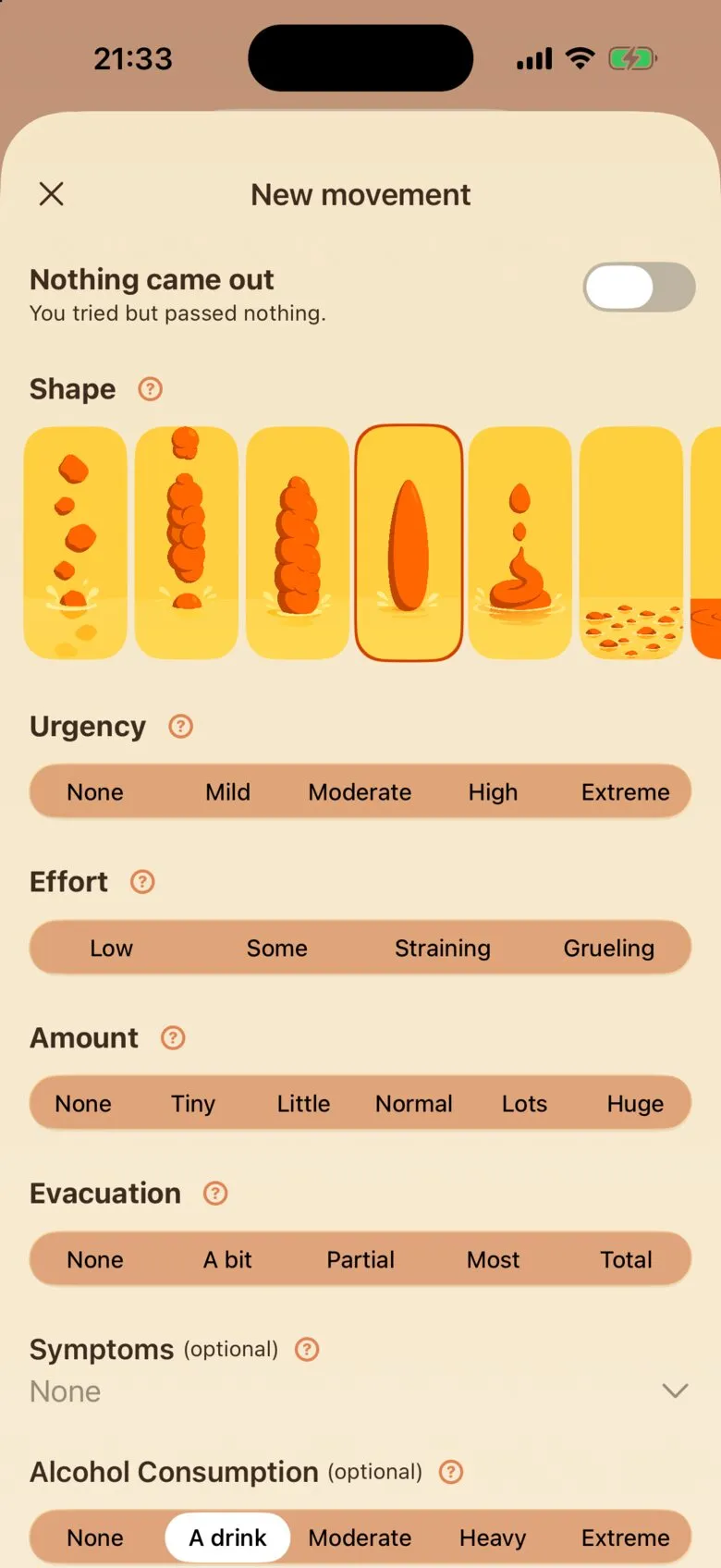
- Pick the shape that matches.
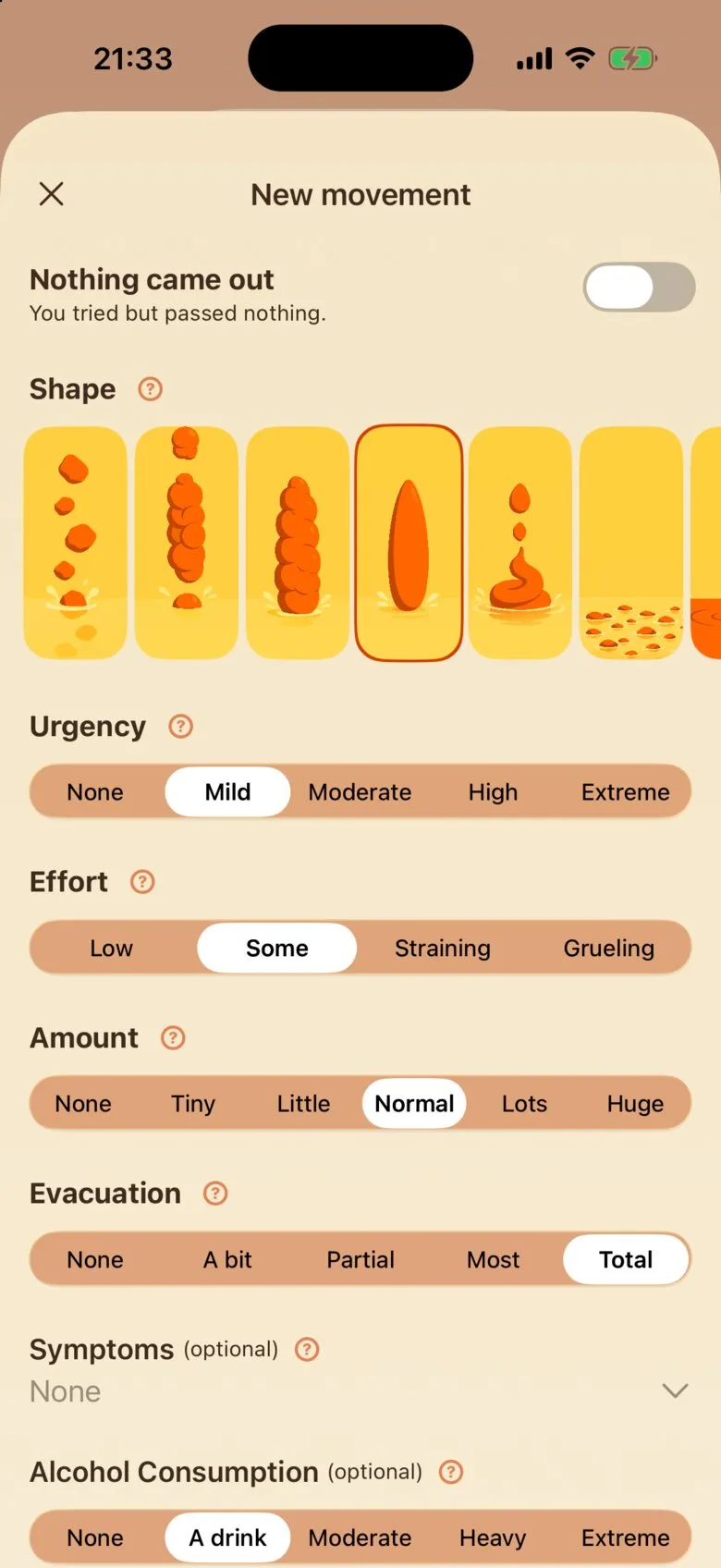
- Set Urgency, Effort, Amount and Evacuation.
- Add any optional details, then scroll down.
- Tap Save.
- Your movement shows up at the top of History.
A whole log, start to finish.
Guides
Quick step-by-step guides with screenshots to help you get the most out of the Poopaya app.